
To check your loan balance:
- Sign in to your account.
- Navigate to your home page, this is the page that your account defaults to when you login.
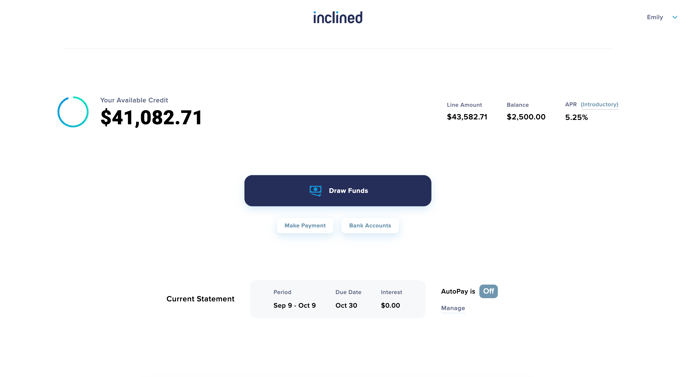
- Your balance will be visible in the top right corner next to your iLOC credit limit and rate.
To check your loan balance: